Page Title
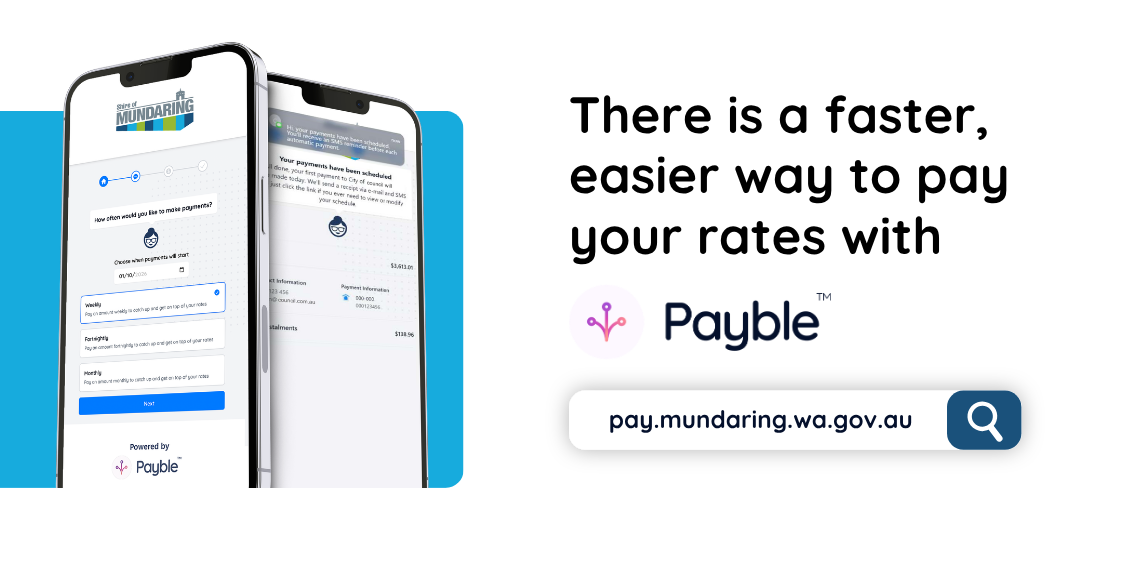
Payble is an online payment that provides flexible payment options. You can choose to pay your rates in smaller, more frequent payments. It’s free, easy to set up and you can check your balance at any time. Plus if your circumstances change, you can login and amend your payments.
Payment options
Payble lets you choose how and when you pay;
- Make a one-off payment.
- Autopay - set up automatic payment on the due date/instalment due dates.
- Payment plan (interest applies) - set up weekly, fortnightly, or monthly payments of your rates balance.
- Request an extended payment plan (interest applies) - submit a request for weekly, fortnightly, or monthly payments that suit your budget. Please note extended payment plans are subject to approval.
Set up Payble
- Scan the QR code on your rates notice.
- Enter your mobile number or email address.
- Use the six-digit security code sent via SMS/email to log in.
- Follow the prompts in Payble to choose your payment method.
- Enter your credit card, debit card or bank account.
- Before your next payment, you’ll receive an SMS/Email reminder.
- The payment is processed automatically on the date you scheduled.
You can also visit the Payble website and follow the prompts.
After you set up Payble
- You will get an SMS/email reminder before each payment.
- You can check the balance owing at any time.
Requesting extended payment plan (financial hardship)
- Scan the QR code on your rates notice.
- Enter your mobile number or email address.
- Use the six-digit security code sent via SMS/ email to log in.
- Select ‘Flexible payment options’.
- Enter start date.
- Scroll down and select ‘View payment arrangement options’.
- Enter start date, amount and payment frequency.
- Provide description as to personal circumstances and submit for Council review.
Council will review your request and either approve the request, or contact you to discuss further.